Before you start: three decisions
The tools are the easy part. An AI ad fails for the same reason a filmed one does: nobody decided what it was for. Write these three down first. It takes five minutes and it is most of the work.
| Decide | Too wide | Sharp enough |
|---|---|---|
| One product | "Our pet range" | "The lick mat" |
| One viewer | "Pet owners" | "Someone whose dog panics at bath time" |
| One offer | "Great prices and fast delivery" | "Two for the price of one this week" |
How to make AI video ads in eight steps
1Choose the angle
The same product can be sold as a problem being fixed, as a demonstration, as three uses, as an offer, or with no presenter at all. You do not have to get this right, because you can make more than one, but pick a first one on purpose. Our nine ad patterns show what each looks like when it is finished.
2Write the prompt
A prompt is a brief, not a magic phrase. Say what you sell, who it is for and what the ad should show. Three ways to write it, from the least effort to the most control:
A TikTok ad for [product], [what it is in a few words]. Audience: [who buys it]. Show [the one thing the camera can prove]. Offer: [your offer].
A TikTok ad for [yourwebsite.com/your-product]. Audience: [who it is for].
The director reads the page before it writes, and keeps the claims to what the page says. Several links work too.
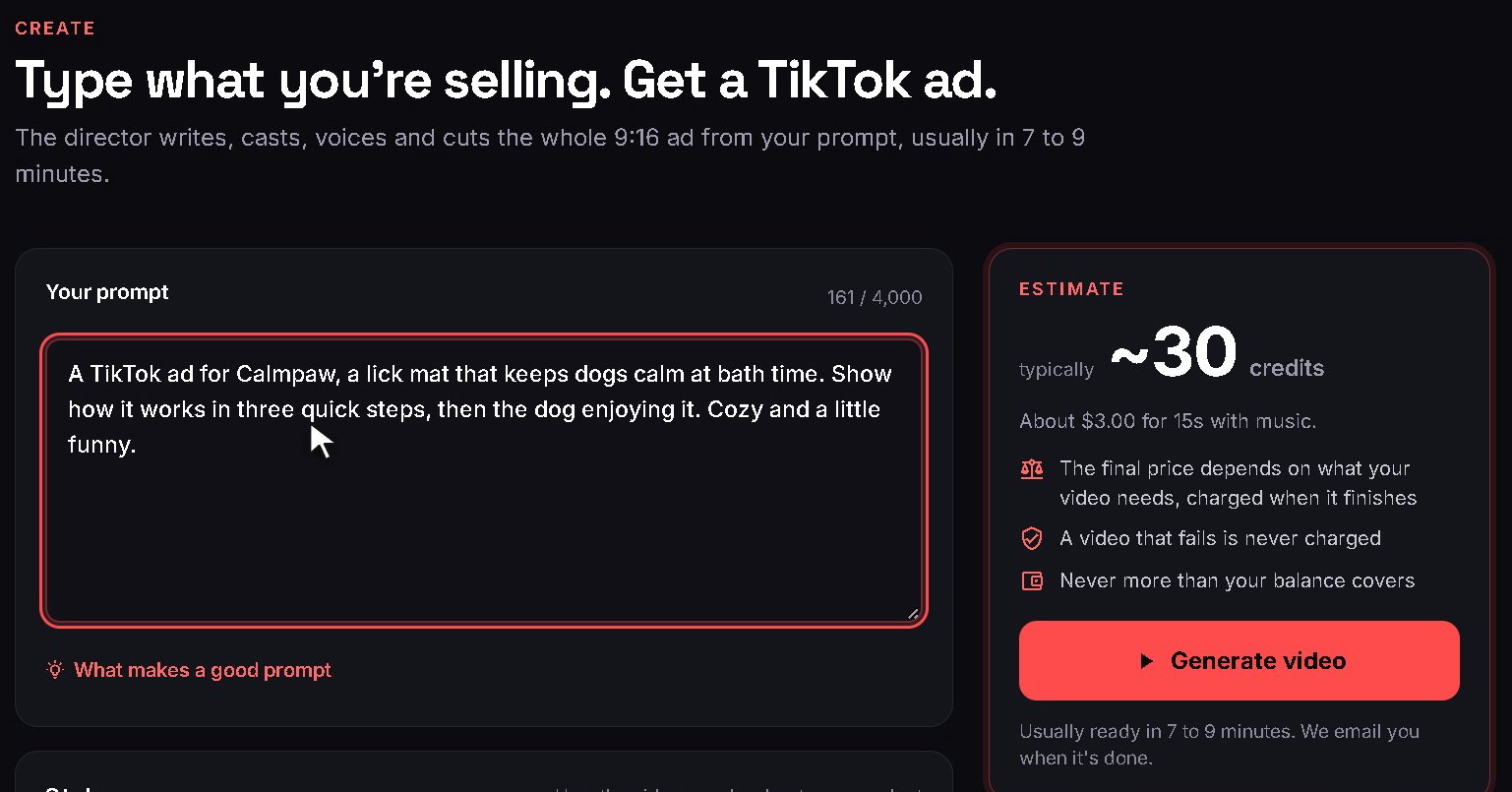
A TikTok ad for [product], [what it is], shown in the attached product photos. Hook: [the product in use, close up]. The presenter, a host in [a place your buyer knows], shows [three things it does], each named on screen. CTA: "[your call to action]"
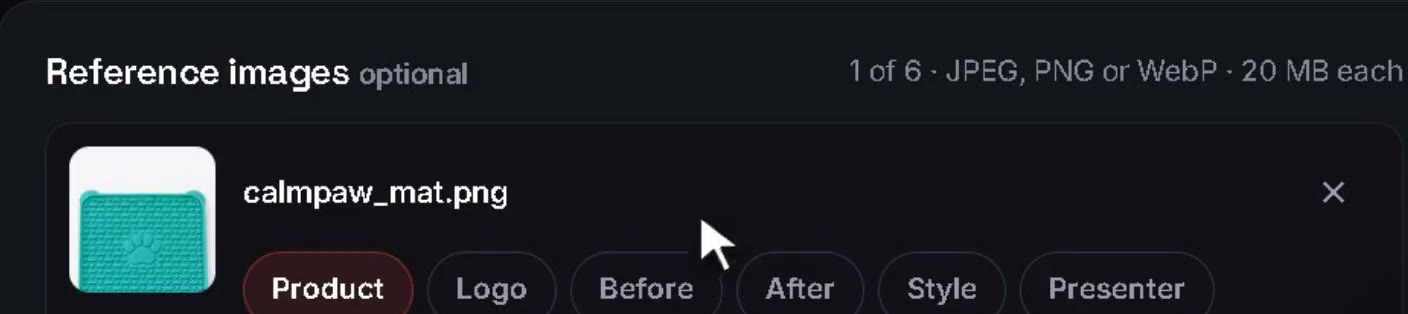
Attach up to six pictures and give each its role.
3Attach what is real
If your real product, your real screens or your real face should be in the ad, attach them. Up to six pictures, each with a role: product, logo, before, after, style or presenter. A product photo means every shot of the product is made from it. Without one, the director imagines a product that fits your words, which is fine for a first look and wrong for an ad you will run.
4Set the length, the language and the style
These are settings, so they do not belong in the prompt. The length runs from 10 to 60 seconds: 15 carries one offer, 30 leaves room to show something. The language is one of eight, and it applies to the script, the voice and the captions. The style is either a direct ad that ends on a call to action, or a mention that presents the product and asks for nothing. Music and word-by-word captions each have a switch.
5Read the price, then generate
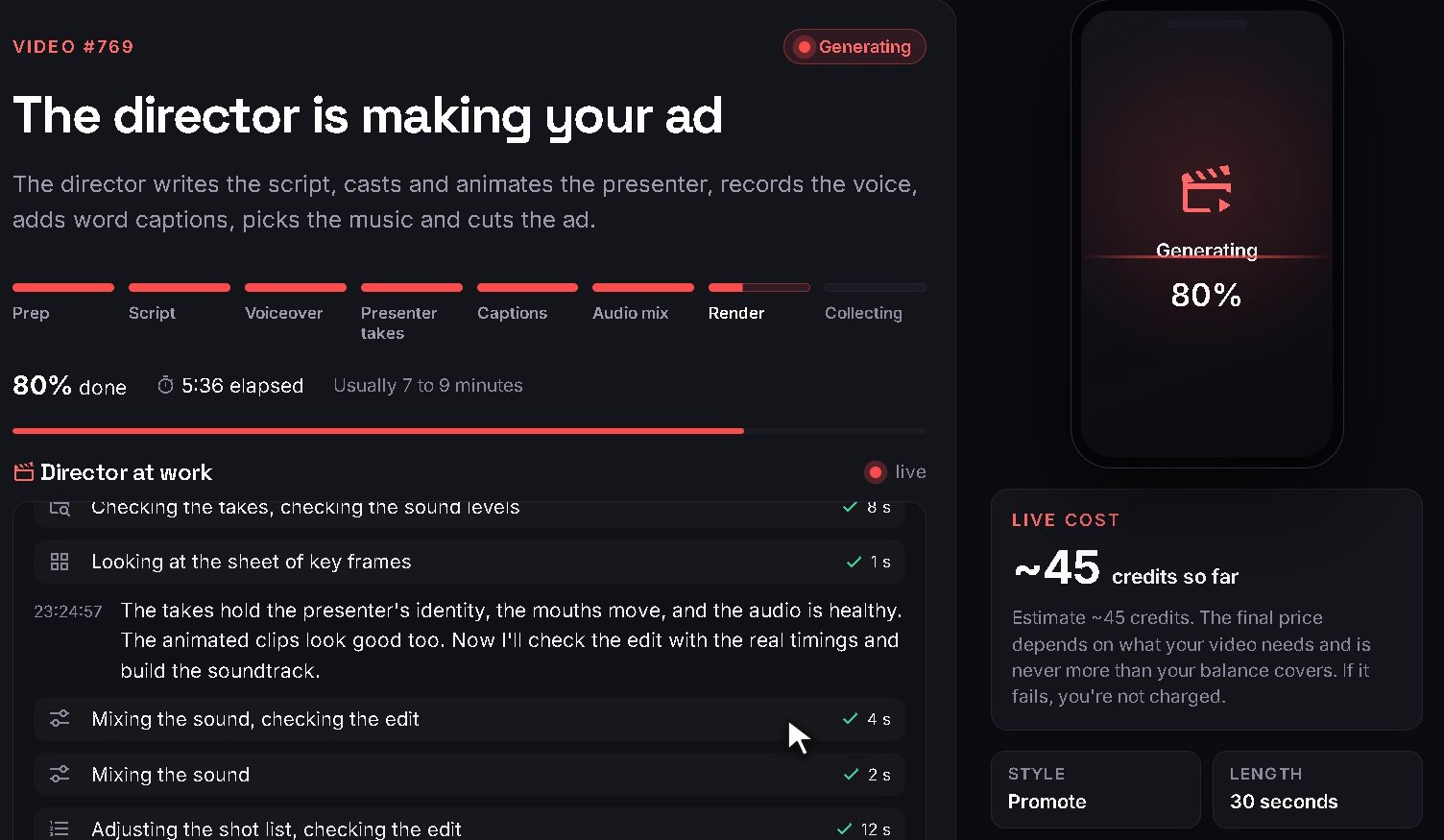
The estimate for exactly those settings sits next to the button before you press it, and before you have an account. Then the director gets on with it. You can watch its notes arrive or close the tab; an email comes when the ad is ready, about 9 minutes later.
6Check the ad against a short list
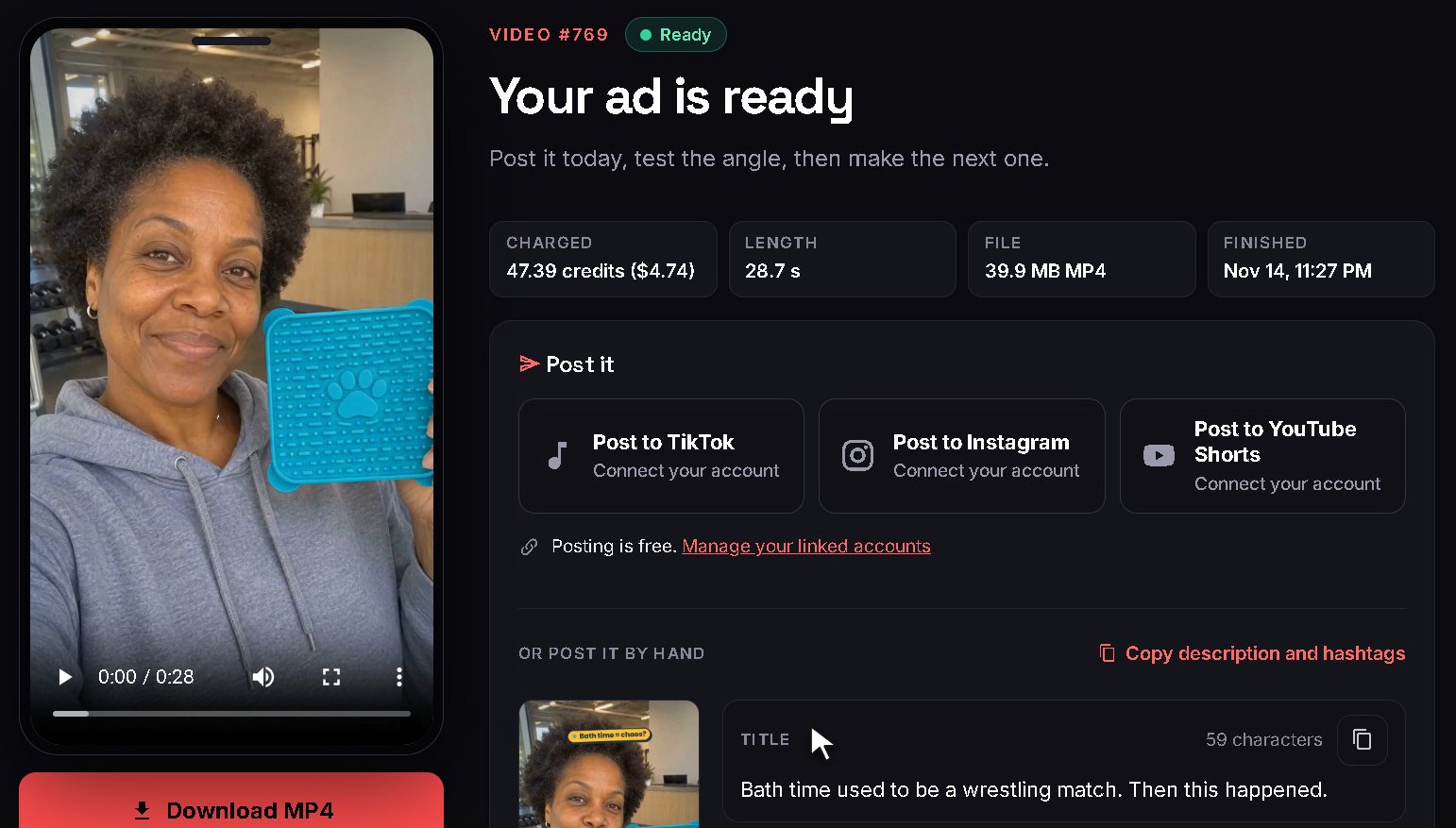
Watch it twice, the second time with this list in your hand:
- The first frame. Is the product, the promise or the question there before anyone has finished a sentence?
- The name. Is it said correctly, and spelled correctly on screen?
- The claims. Does the ad say anything your own page does not?
- The product. Does it look like yours, down to the label?
- The offer. Is it the one you gave, said once, at the end?
- The presenter. A host who shows and explains, never someone claiming to be a customer.
7Change it by saying so
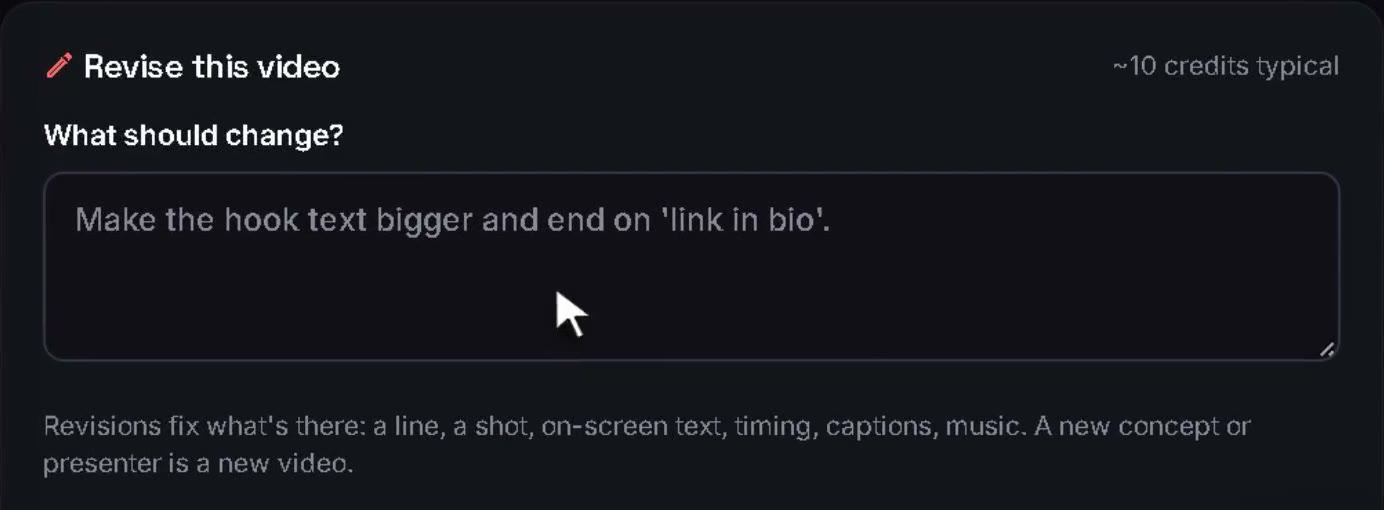
Something on the list will be off. For 72 hours you can tell the director what to change in a sentence, and it remakes only that: a line, a shot, the words on screen, the timing, the captions, the music. A different idea or a different presenter is not a change, it is a new video, and for that "Make another" runs the same prompt again and returns a fresh take.
8Label it and post it
The presenter is AI-generated, so the ad is labelled as such where the network asks for it. Posted from ReelHatch to TikTok, Instagram or YouTube Shorts, the label goes with it. Run as a paid ad, the disclaimer is a switch you turn on in the ad account. The rules, network by network, are in our guide to AI video ads.
How to make AI UGC ads: one extra rule
A UGC-style ad looks like a post from an ordinary person: a real room, a phone-camera feel, someone talking to you. The eight steps are the same. The extra rule is about what that person may say. An AI presenter is a host. It can show the product, explain it and tell you the offer. It cannot say "I have used this for a month", because it has not, and a made-up testimonial is against the law in the US as well as against our terms. If a real customer's story is what you need, that part of the job belongs to a person: see how to hire UGC creators.
Doing it by hand, with separate tools
You do not need a director to make an AI ad. People were making them before one existed, by chaining tools together, and for some jobs that is still the right way. Here is the same ad, piece by piece.
| The job | By hand | With a director |
|---|---|---|
| The script | You write it, or prompt a chat tool and edit what it gives you | Written from your prompt and your page |
| The presenter | An avatar tool: choose an actor, paste the script, wait for the clip | Cast for the ad and filmed doing things |
| The voice | The avatar's own, or a voice tool and a lip-sync pass | Designed for that presenter |
| Product shots | A video model for each clip, or your own filming | Filmed from your product photos |
| The music | A track from a library you hold the rights to | Composed for the ad |
| The edit | A timeline editor: cuts, captions, labels, sound levels | Cut on the beat, captioned and checked |
| What it asks of you | Several tools, and the skill to join their output | A clear brief |
By hand you control every frame, and that is worth having when you know exactly what you want or are producing at volume with a team. A director is worth having when you want the ad and would rather not own the workshop. Seven tools of both kinds are compared in the best AI UGC video generators.
What makes an AI ad work
Nothing about this part is new. It was true of every ad ever filmed.
- The hook. The first second decides whether the rest is seen. 100 hooks, sorted by type.
- The proof. Show the thing happening. An ad that only describes is a leaflet read aloud.
- The words. Fewer than you think: about 80 in thirty seconds, by our own count. Script templates with timings.
- One ask. A single offer and a single thing to do, at the end.